
Agent
How to start Cursor and make one change
Checked September 25, 2026
Install Cursor, open one folder, and ask it to explain that folder before it changes a file. Checked September 25, 2026.
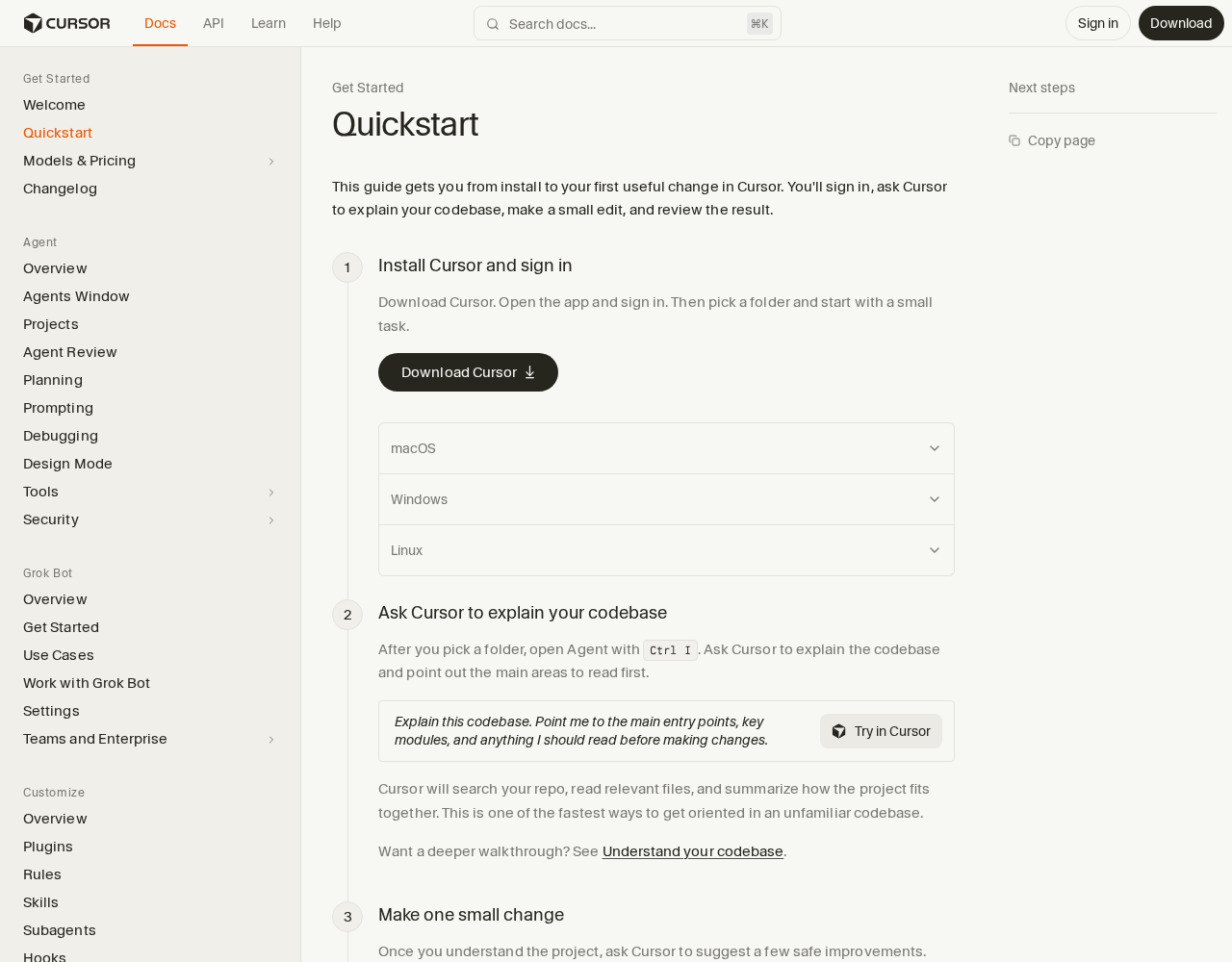
Cursor's own quickstart was open on September 25, 2026: cursor.com/docs/get-started/quickstart. The page says the guide gets you from install to your first useful change.
Do this once
- Download Cursor and sign in.
- Open one folder you already have.
- Ask the agent to explain the codebase and name what to read before changing anything.
- Make one small change and review it.
The shortcut shown for Agent was Ctrl I.
You keep one folder opened, one explanation of that folder, and one small change you accepted or rejected.
Questions
What is the first message worth sending?
Ask it to explain the folder and name what to read before it changes anything. Then one small change you can review.
Want this on the tools you already use?
Map your week first. Personal AI Assessment is $149 for one person's week. Shop AI Assessment is $497 for a shop. You keep every login.
Shop and Personal AI AssessmentsGet the next guide
Leave an email. The next setup guide goes there, with the same occasional notes from the homepage.