
Chat
How to set up Gemini with a Google account
Checked September 25, 2026
Gemini uses a Google account. Sign in at gemini.google.com so the chat is still there later. Checked September 25, 2026.
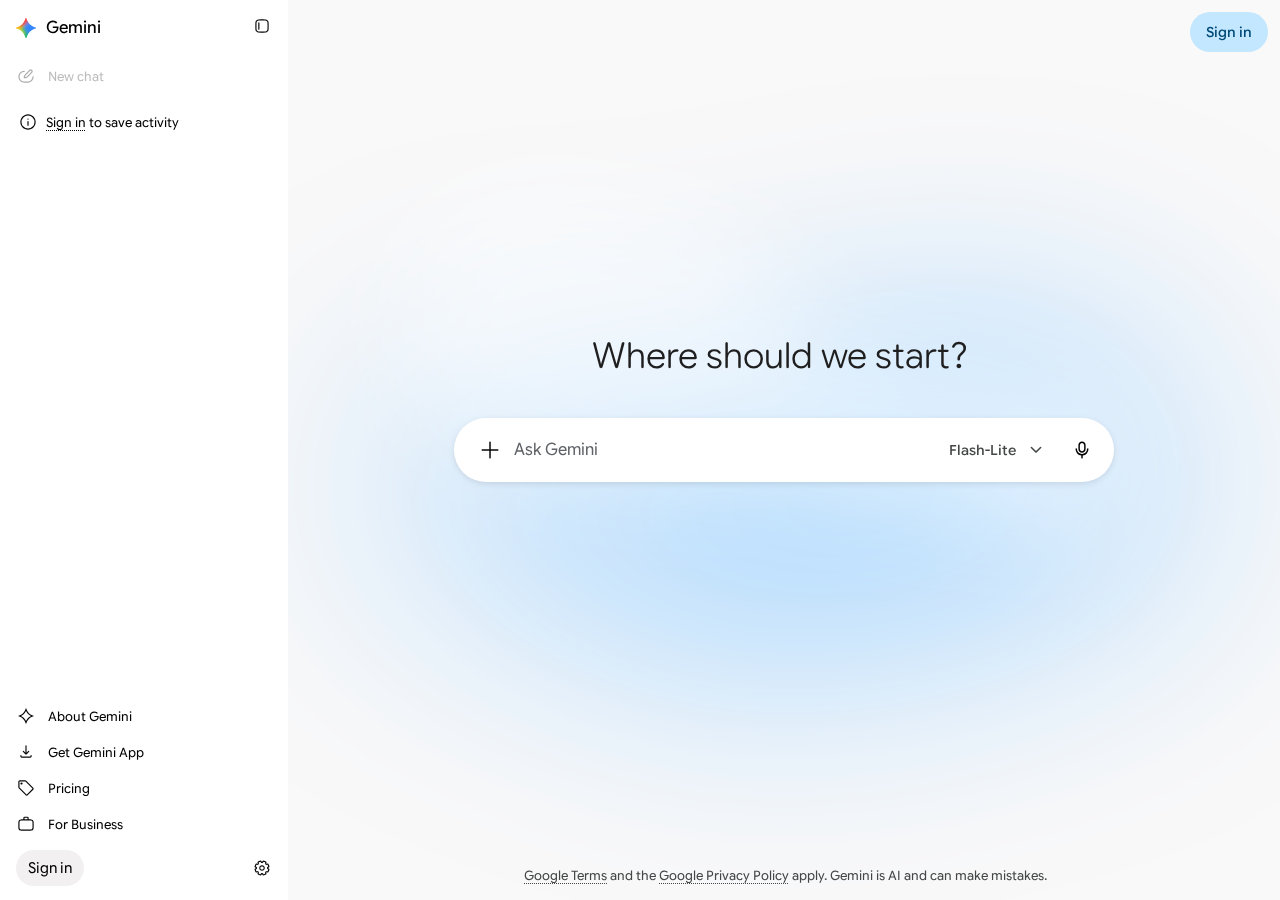
Open gemini.google.com. On September 25, 2026 the page loaded a chat with no account. The prompt said "Where should we start?" The model label on the box was Flash-Lite. The sidebar said "Sign in to save activity." A signed-out question is gone when you come back.
Gemini does not have its own login. Sign in uses a Google account.
Create the account
- Open gemini.google.com.
- Click Sign in when you want the chat kept.
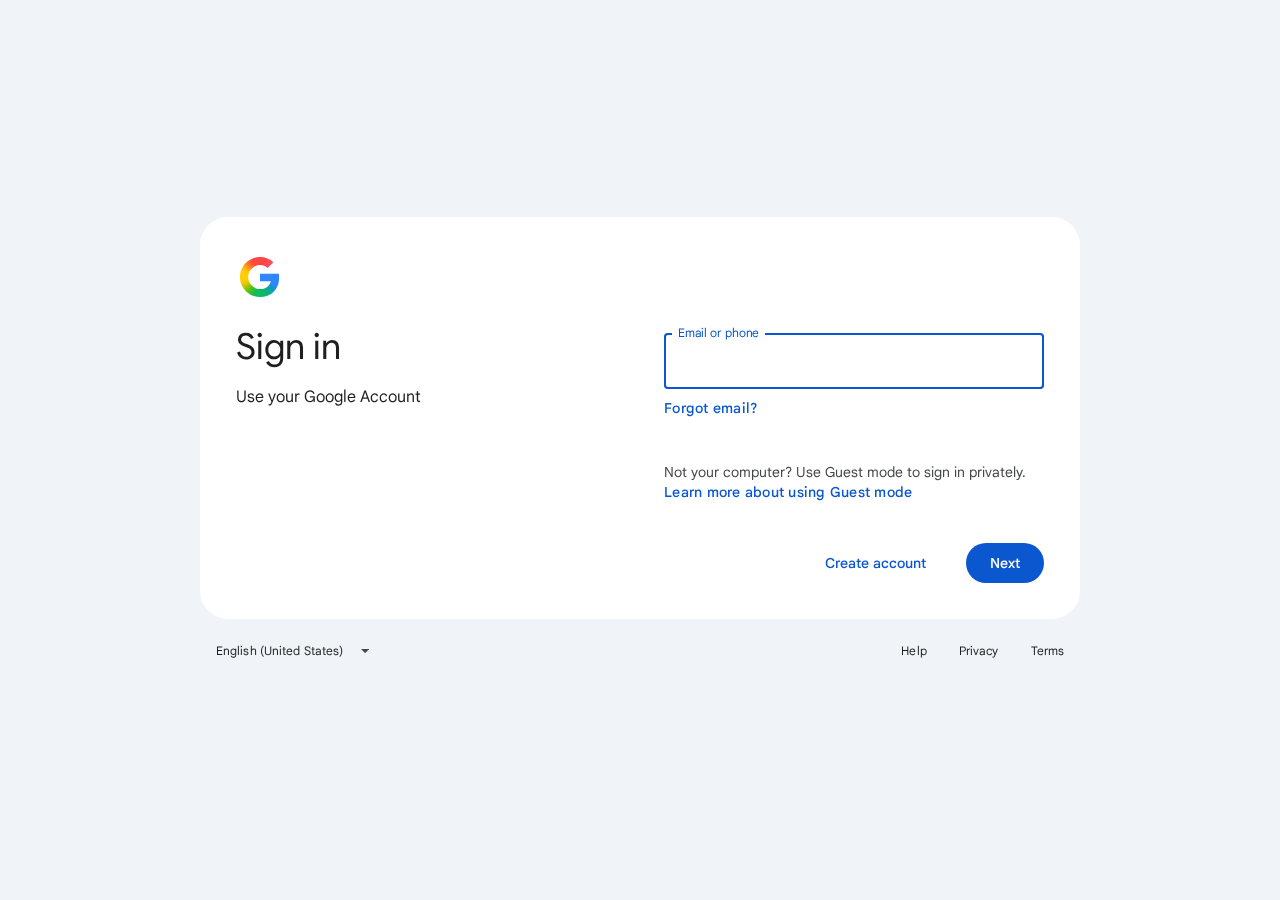
- On "Use your Google Account," enter email or phone, then Next.
- If you have no Google account, click Create account on that same page. First name is required. Last name is optional.
A work or school Google account can refuse this. Switch to a personal Gmail if the work login stops you.
Gmail, Drive, and Calendar stay disconnected until you connect them. Leave them off for the first week.
The account is on when the answer stays
Ask one question you already needed. Sign in, leave, and come back. If the chat is still in the sidebar, the account stuck.
Questions
Does Gemini need its own password?
No. It uses a Google account. The sign-in page says "Use your Google Account."
Can I try Gemini before I sign in?
Yes. The chat loads signed out. Sign in when you want that chat saved.
Should I connect Gmail on day one?
No. Leave Gmail, Drive, and Calendar off until a normal chat is already useful. Next: Give an AI agent one job.
Want this on the tools you already use?
Map your week first. Personal AI Assessment is $149 for one person's week. Shop AI Assessment is $497 for a shop. You keep every login.
Shop and Personal AI AssessmentsGet the next guide
Leave an email. The next setup guide goes there, with the same occasional notes from the homepage.