
Chat
How to set up Microsoft Copilot
Checked September 25, 2026
Sign in at copilot.com with a Microsoft account so the chats stay. The chat is free. Word and Excel are a separate add-on.
Open copilot.com and click Sign in. Microsoft's page, loaded September 25, 2026, asks for email, phone, or Skype, then Next. Under the box it says "No account? Create one!" For personal accounts it also offers Continue with Google and Continue with Apple.
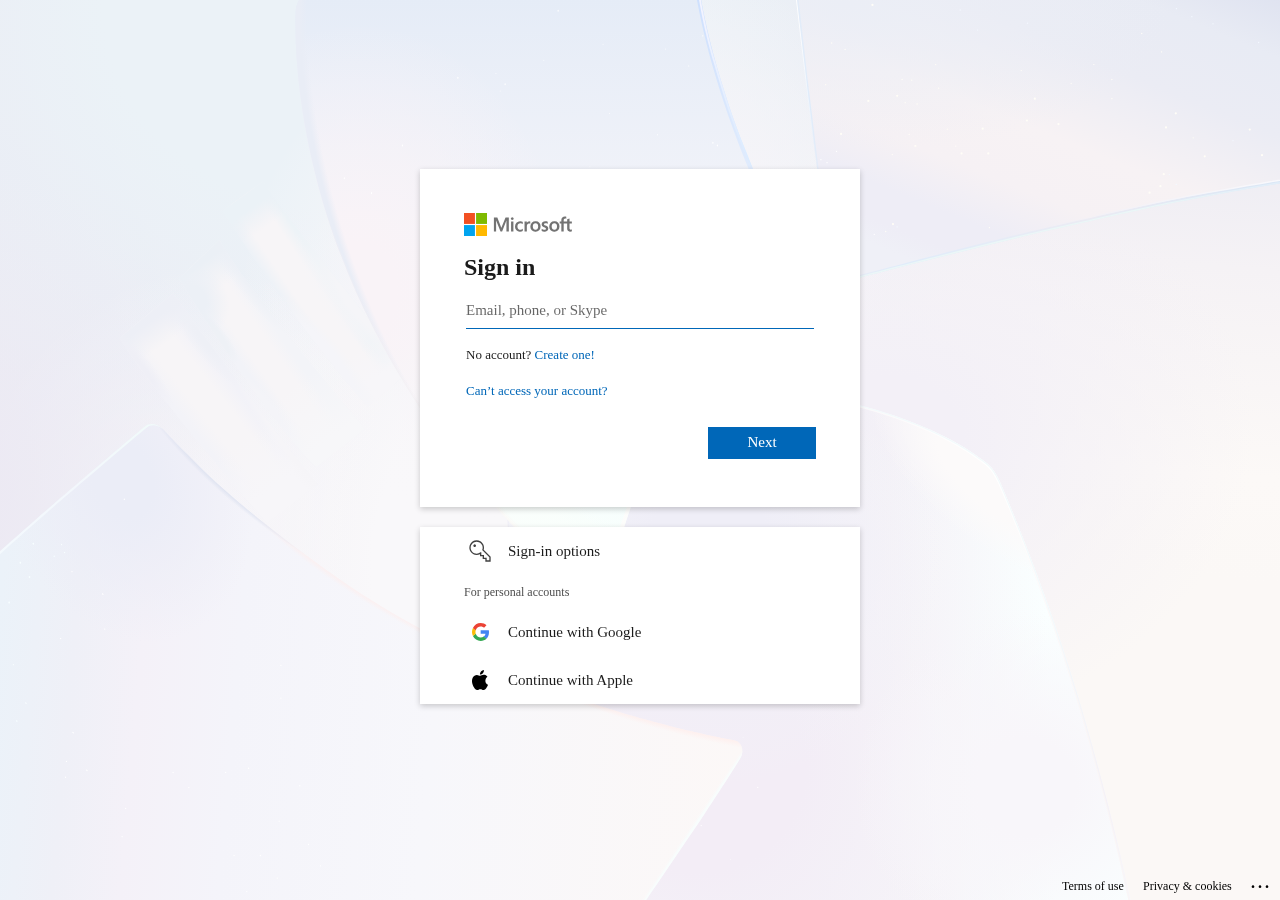
That login is the one the chats stick to. Signed-out use does not keep them.
Create the account
- Open copilot.com.
- Click Sign in.
- Enter an email, phone, or Skype name you already use, then Next. Or choose Google or Apple.
- If you have no Microsoft account, choose Create one.
On a Windows PC, Copilot may already sit in the taskbar. Sign in there with the same account.
The chat on copilot.com is the free one. Copilot inside Word, Excel, and Outlook is a separate paid add-on. You can learn the chat without buying that.
copilot.microsoft.com told this check "Not available in your region." That was the server the check ran on, not a verdict for Vermont. If one address blocks you, try copilot.com or the Copilot app.
Questions
Is Copilot in Word the same thing as copilot.com?
The Microsoft login can be the same. The chat on copilot.com is free. Copilot inside Word, Excel, and Outlook is a paid add-on. You do not need that add-on to learn the chat.
Do I have to pay to sign in?
No. Sign in so the chats stay. Payment is for the Office add-on, not for opening the chat.
Want this on the tools you already use?
Map your week first. Personal AI Assessment is $149 for one person's week. Shop AI Assessment is $497 for a shop. You keep every login.
Shop and Personal AI AssessmentsGet the next guide
Leave an email. The next setup guide goes there, with the same occasional notes from the homepage.