
Agent
How to start a task in Claude Cowork
Checked September 25, 2026
Claude Cowork runs a task you describe, then waits while you read the approach. It is on paid Claude plans. Checked September 25, 2026.
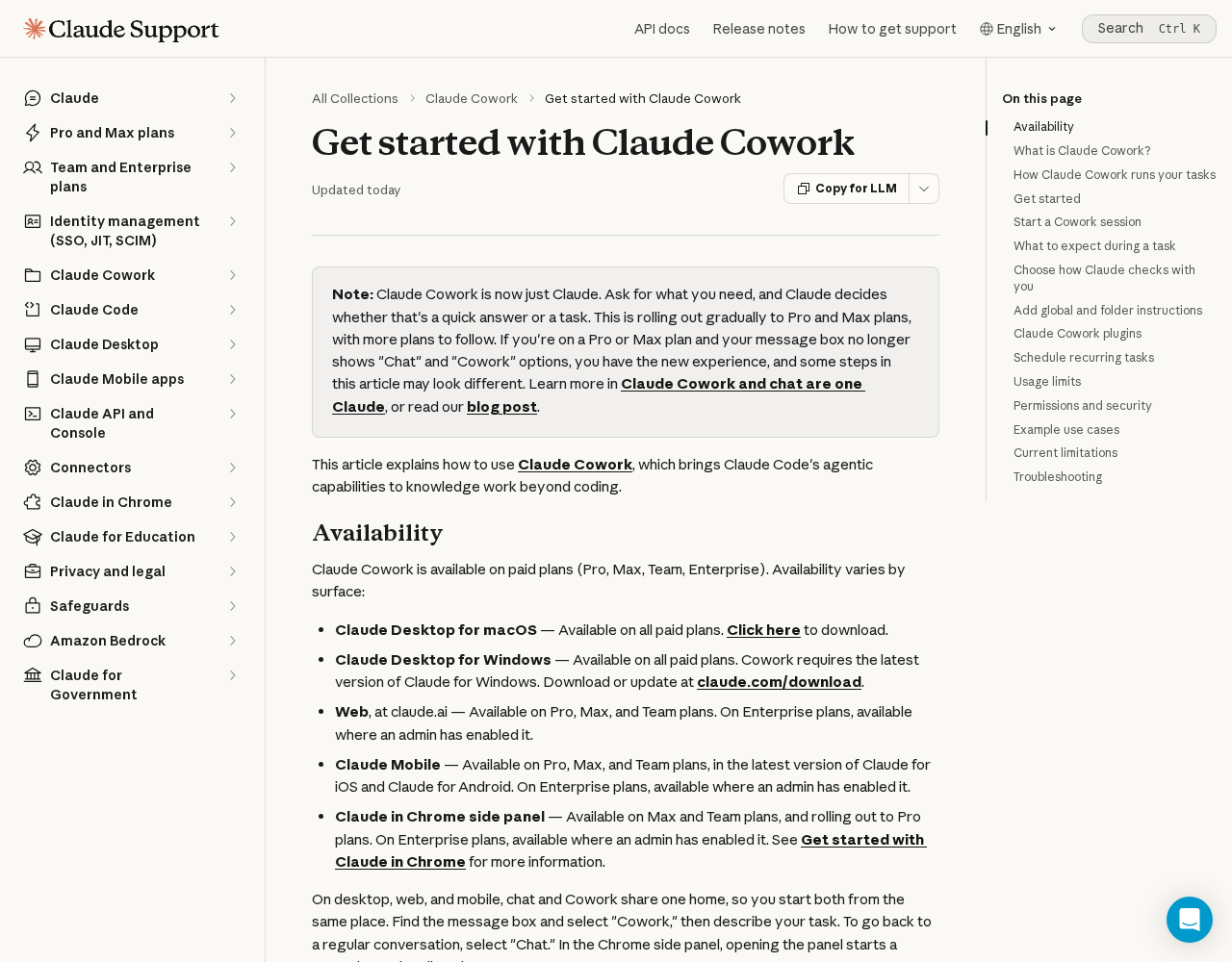
Claude's getting-started page for Cowork was updated September 25, 2026: Get started with Claude Cowork.
The note at the top says Cowork is now just Claude, rolling out gradually to Pro and Max. If the message box still shows Chat and Cowork, you pick Cowork, describe the task, and review the approach before it runs. It is on paid plans: Pro, Max, Team, and Enterprise. Desktop, web, and mobile do not all show it the same way. Enterprise can be off until an admin turns it on.
Do this once
- Use a paid Claude plan. The free chat is a different page: How to set up a Claude account.
- If the box still says Cowork, choose it. If it does not, ask for the task.
- Describe one task.
- Read the approach before it runs.
Questions
Is Cowork on the free Claude plan?
No. The September 25, 2026 help page lists Pro, Max, Team, and Enterprise.
What if I do not see a Cowork button?
The same help page says Cowork is now just Claude, rolling out gradually. Ask for the task. Claude decides whether it is a chat or a task.
Want this on the tools you already use?
Map your week first. Personal AI Assessment is $149 for one person's week. Shop AI Assessment is $497 for a shop. You keep every login.
Shop and Personal AI AssessmentsGet the next guide
Leave an email. The next setup guide goes there, with the same occasional notes from the homepage.