
Chat
How to set up Perplexity
Checked September 25, 2026
Perplexity answers with sources. Sign in with Google, Apple, or email when you want the answer kept. Checked September 25, 2026.
Open perplexity.ai. On September 25, 2026 the page asked "What do you want to know?" with an "Ask anything..." box. Search is the mode that looks things up and cites them. Computer is a separate button for handing off a project. Leave Computer alone until Search has answered you once.
Sign In is at the bottom of the left sidebar. Clicking it opened a box that says "Sign up below to unlock the full potential of Perplexity." The choices are Continue with Google, Continue with Apple, an email field with Continue with email, and a line for Single sign-on. Single sign-on is for a company login. Skip it unless your work told you to use it.
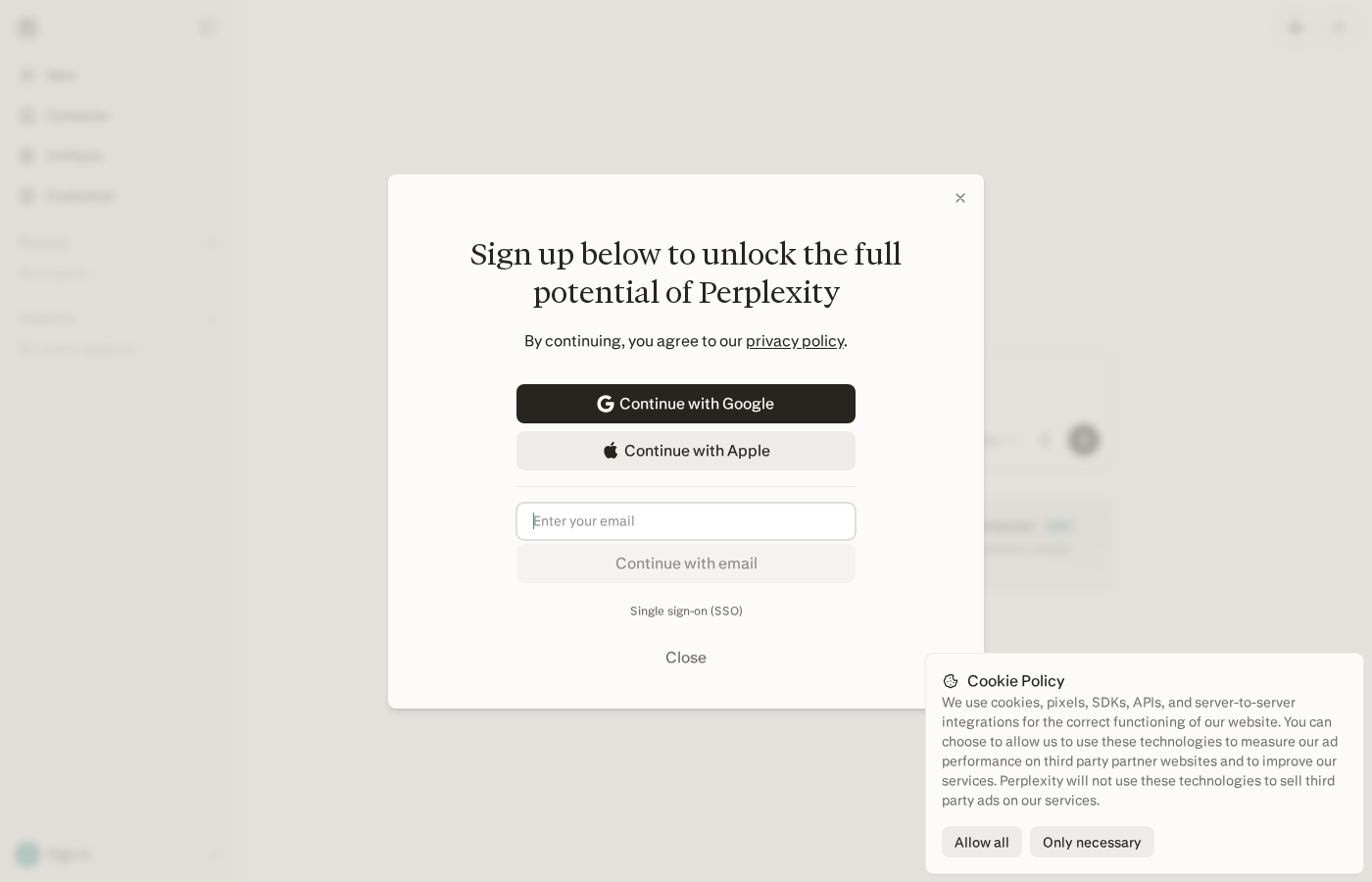
A cookie box sat on top of that screen. Only necessary is enough.
You can ask one question before you sign up. Sign up when you want the answer kept.
Create the account
- Open perplexity.ai.
- Click Sign In in the left sidebar.
- Continue with Google, Apple, or email.
- Skip Single sign-on unless your company told you to use it.
- Ask one question in Search, not Computer.
Questions
Can I use Perplexity without an account?
Yes, for one question. Sign up when you want the answer kept.
What is Computer on the Perplexity home page?
A separate button for handing off a project. Leave it until Search has answered you once.
Want this on the tools you already use?
Map your week first. Personal AI Assessment is $149 for one person's week. Shop AI Assessment is $497 for a shop. You keep every login.
Shop and Personal AI AssessmentsGet the next guide
Leave an email. The next setup guide goes there, with the same occasional notes from the homepage.