
Chat
How to set up a Grok account
Checked September 25, 2026
Sign up at grok.com. The account page offers X, email, Apple, Google, and GitHub. A saved chat means the account stuck.
Open grok.com. On September 25, 2026 the page loaded a box under "What should we explore?" You can type before you have an account. The footer says messaging Grok means you agree to the terms. A signed-out chat is a bad place to leave anything you want back later.
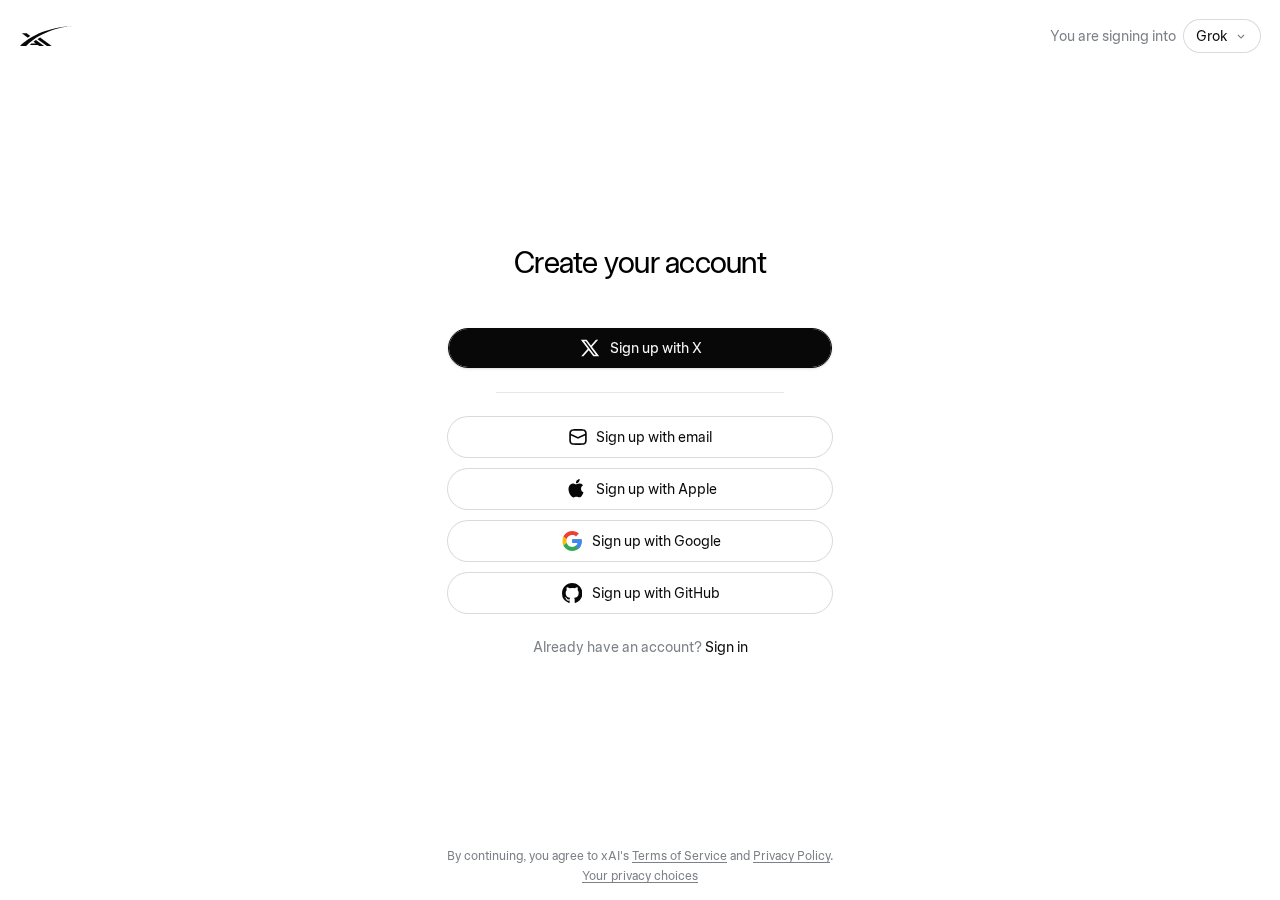
Click Sign up. The next page is accounts.x.ai, titled "Create your account," and the corner says you are signing into Grok. The buttons, in this order, are Sign up with X, Sign up with email, Sign up with Apple, Sign up with Google, and Sign up with GitHub. X is the first button, not the only one.
Create the account
- Open grok.com.
- Click Sign up.
- On accounts.x.ai, pick X, email, Apple, Google, or GitHub.
- Ask one thing you already needed.
If that answer is still there when you come back, the account stuck.
Grok also sits inside X. The grok.com account is the one this guide is for. A post on X is not the same as a saved Grok chat.
Questions
Do I need an X account to use Grok?
No. Sign up with X is the first button. Email, Apple, Google, and GitHub are on the same page.
Is a Grok chat on X the same as grok.com?
No. This guide is for the account at grok.com. A post on X is not a saved Grok chat.
Want this on the tools you already use?
Map your week first. Personal AI Assessment is $149 for one person's week. Shop AI Assessment is $497 for a shop. You keep every login.
Shop and Personal AI AssessmentsGet the next guide
Leave an email. The next setup guide goes there, with the same occasional notes from the homepage.